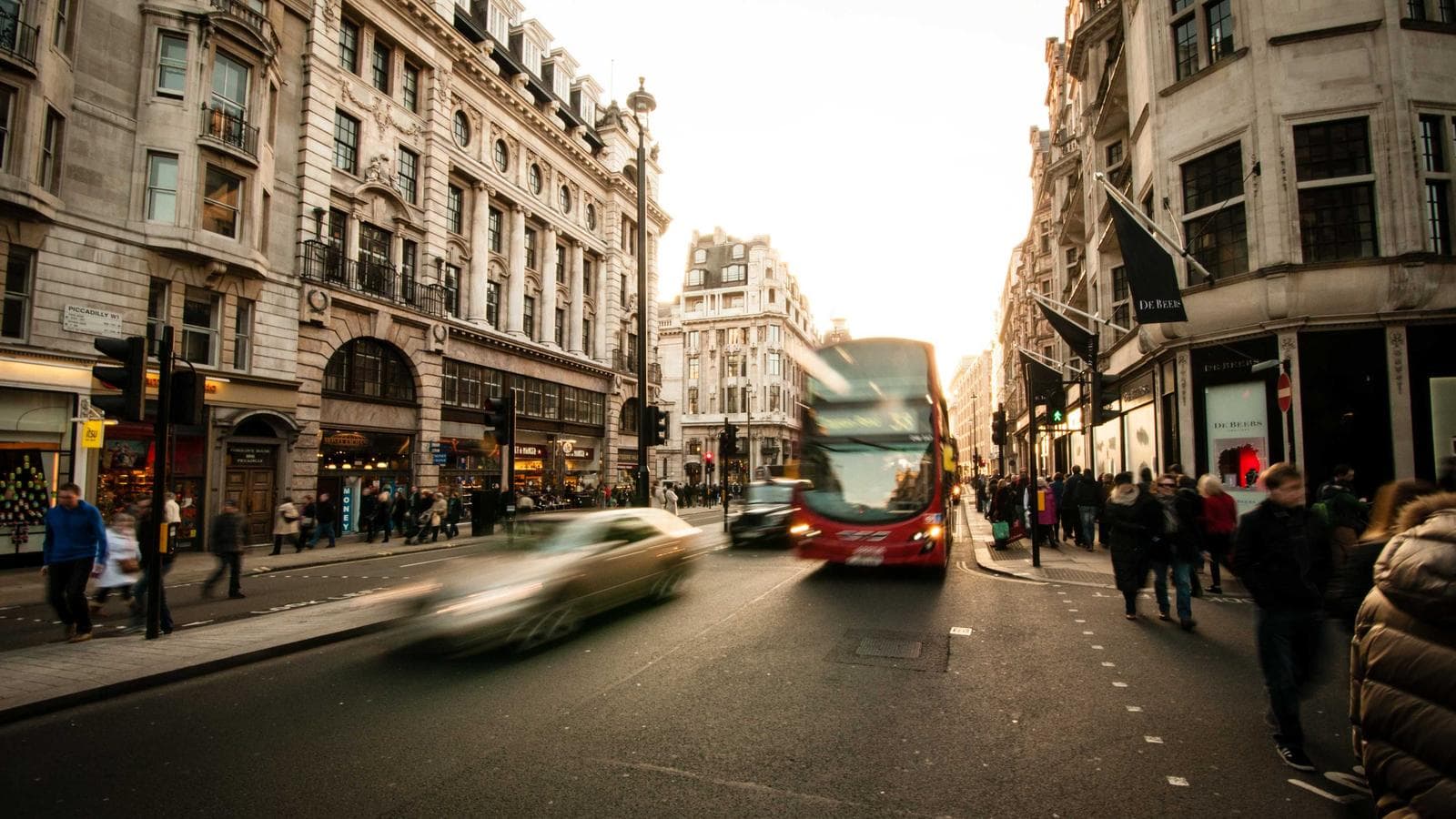
This post exercises the image rendering paths used by the MDX typography system, including plain images, captions, unusual aspect ratios, linked images, inline images, decorative images, and an explicit rich-text figure.
Basic image
A standalone Markdown image without a title should render as a normal responsive image without a caption.
The paragraph following the image should retain the normal prose spacing.
Local image
Use a relative path to load the images stored in the asset folder with the same name as the MDX file.
Image with caption
The Markdown image title is used as the visible caption. The native title attribute should be removed after the image is converted into a semantic figure.
Figure 1. Overview of the example system architecture.
The caption should be centered, visually secondary, and separated from the image without creating excessive vertical space.
Portrait image
A tall image should preserve its intrinsic aspect ratio and remain within the prose width.
Figure 2. A portrait image used to verify responsive height and aspect-ratio handling.
Small image
A small image should not be stretched to the full width of the article.
Figure 3. A small image should remain compact rather than being enlarged to the full content width.
SVG image
SVG files should use the same responsive layout and caption treatment as raster images.
Figure 4. SVG rendering should remain sharp in both light and dark modes.
Long caption
This image has a deliberately long caption to test wrapping, maximum caption width, alignment, and line height on narrow screens.
Figure 5. This deliberately long caption verifies that figure descriptions wrap cleanly, remain centered beneath the image, and do not become difficult to read on narrow mobile displays.
Linked image
A linked image should remain clickable. Because the image is wrapped by an anchor, the automatic Markdown-title-to-caption transform should not treat it as a standalone captioned image.
Decorative image
The following image intentionally uses an empty alt value. It should render with alt="" and be ignored by assistive technologies.
Rich-text caption
Use an explicit MDX figure when a caption needs formatting such as emphasis, inline code, or a link.
Figure 6. This caption contains emphasis, an inline MDX
term, and a
reference link.
Image inside a GitHub alert
The image should remain responsive when nested inside a generated alert component.
Note
The following image is nested inside a GitHub-style alert.
Image inside a blockquote
A regular blockquote should also contain images without overflow.
The following image belongs to a normal blockquote rather than a GitHub alert.
Consecutive images
Consecutive image blocks should preserve consistent spacing without collapsing into each other.
Figure 7. The first image in a consecutive pair.Figure 8. The second image in a consecutive pair.
The final paragraph verifies that normal prose resumes cleanly after the image sequence.